top of page
Game Designer
Jonathan (J. L. Vance) Williams
AI Stealth Project
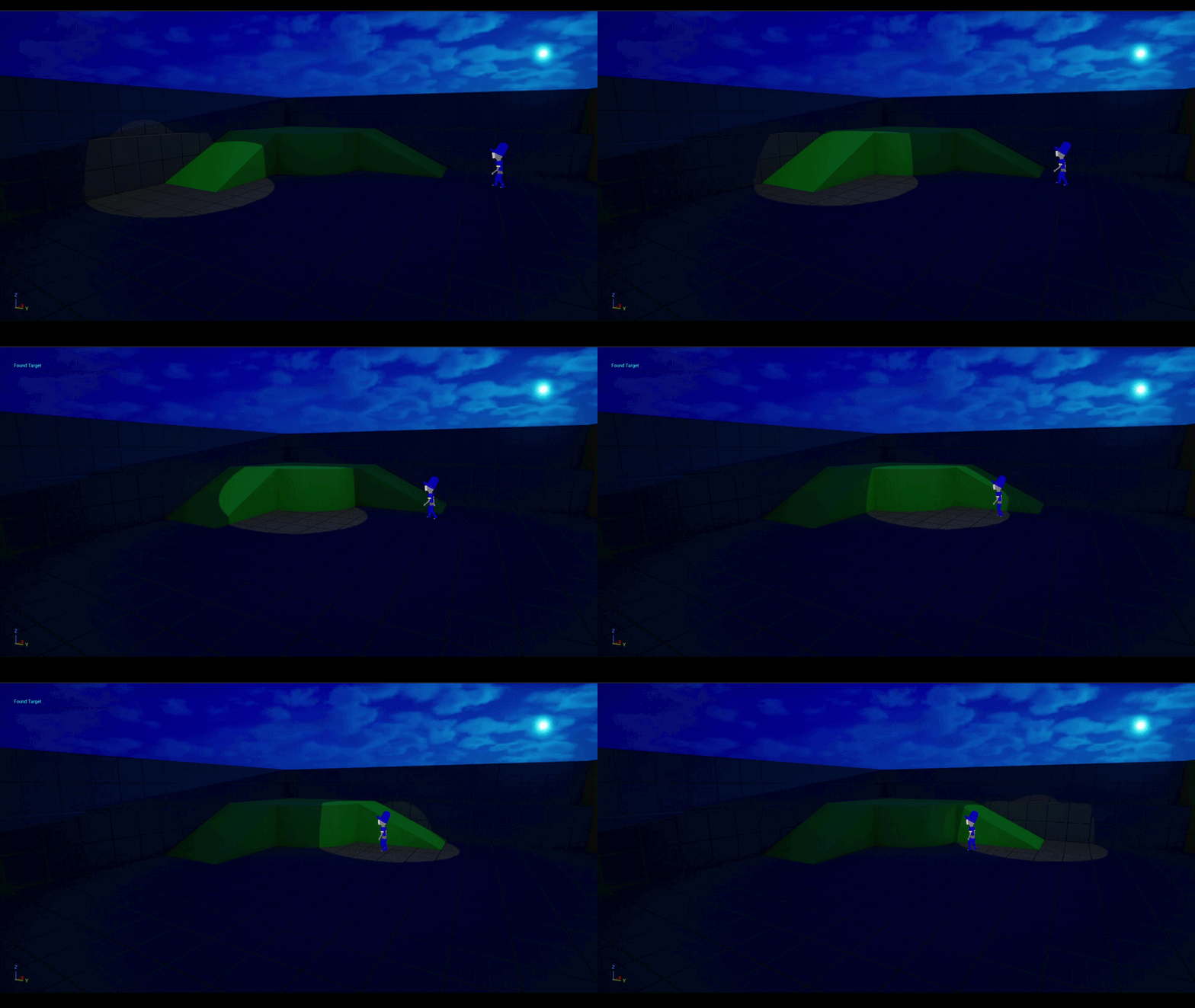
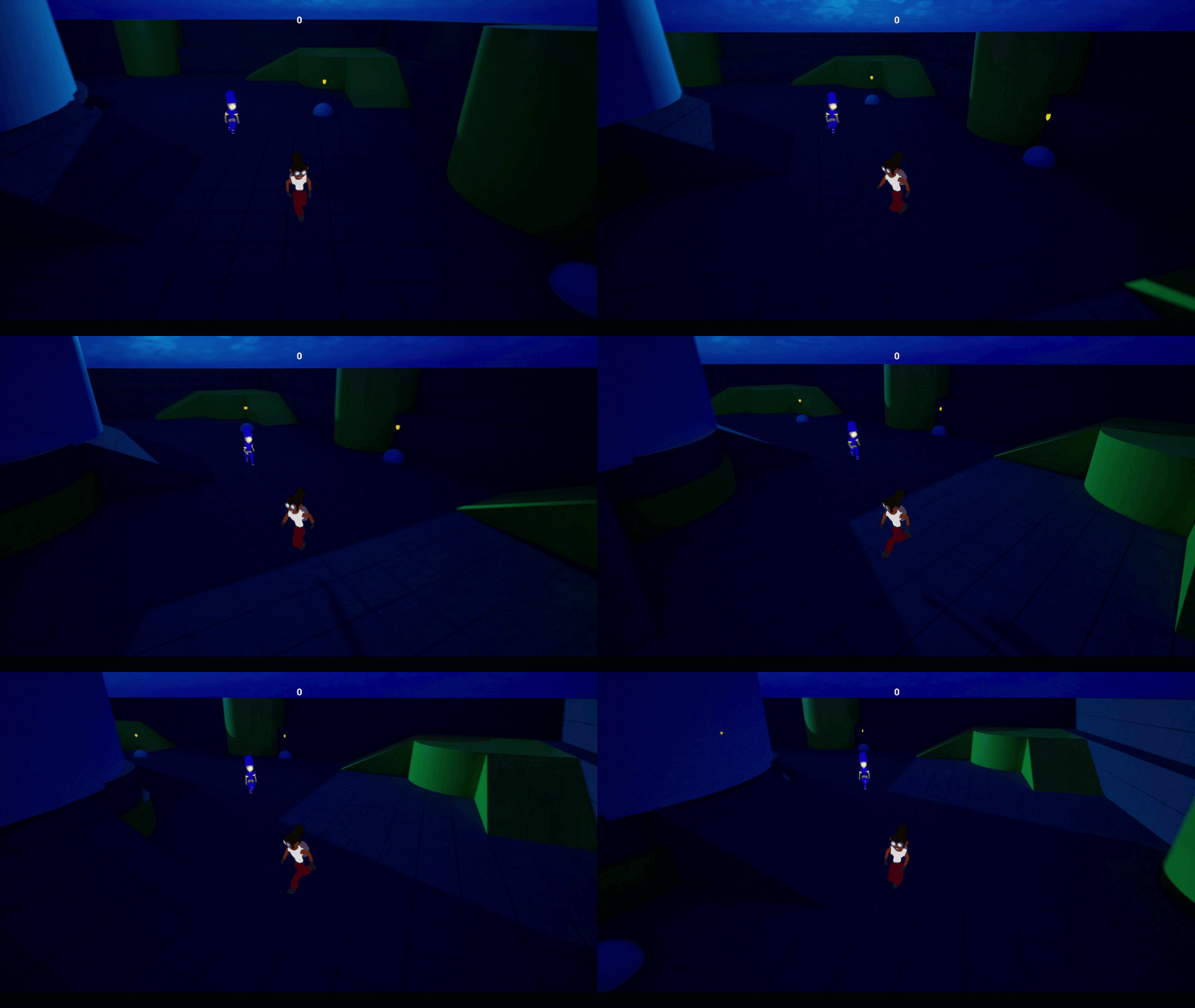
AI Stealth Project focuses on building two AI's, a guard and a watch tower, that work to find the player while on their regular patrol routes, controled through different behavior trees.
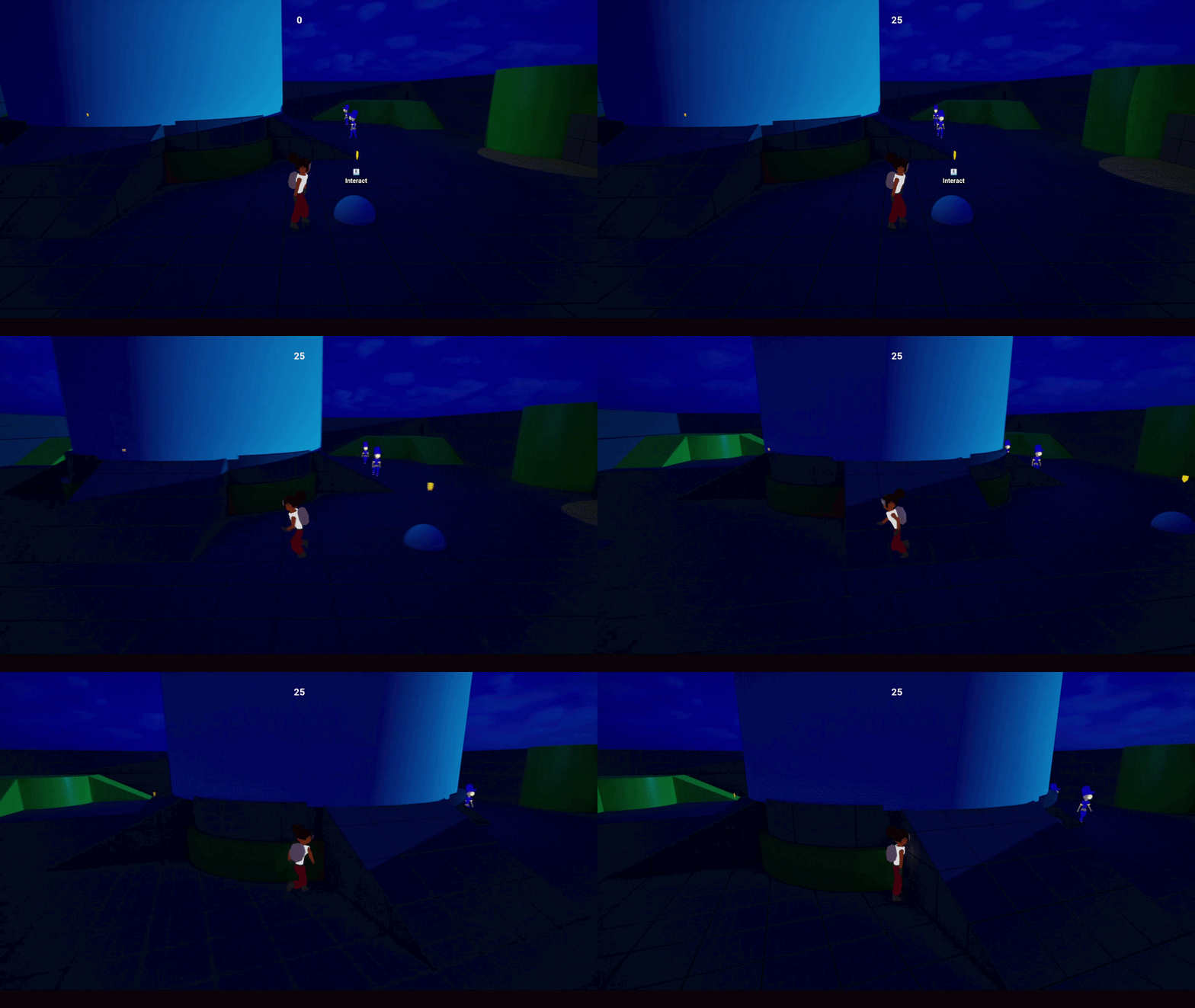
AI Stealth Project has the player sneaking around trying to gain points from digging in junkpiles while avoiding the sight of guards, gaining points with each junkpile you take from. But be careful, digging through each junkpile makes a lot of noise and can alert guards to your location. How many points can you score before getting caught?
Project Main Goals
As a designer I wanted to focus my attention to practice creating smart enemies that are able to communicate with each other but work differently from each other. The goal was to create an experience that felt cohesive for players to understand while also building out my knowledge on what it takes to create smart enemies in games.
To accomplish these goals I worked in Unreal Engine's Behavior Trees and used many different blueprints and blueprint interfaces to help manage the behavior, communication, and states of each AI.
Workflow

Designing each enemy
At the start of this project I had a clear idea of what I wanted and began to create a design doc of what their behavior would look like and all of their capabilities. This doc covered each state the enemies would have and how they would communicate with each other. Each AI had a simple set of goals:
-
Guard Enemy
-
Patrol across the map to designated patrol points
-
Investigate any sound made by the player within a certain radius
-
chase the player if caught until lost. then return to patroling
-
Before returning search the surrounding area for the player for a certain period of time
-
-
-
Watch Tower
-
shine a light across your patrol route
-
If the player is caught in the light, follow them for a certain period of time
-
While the light follows them guards will be updated on the players location and will go to it
-
-
After a certain period of time, turn the light off, then return to your patrol route
-
Implementation Process
After setting up clear goals for myself I began to take the next few weeks to implement different behaviors based on my knowledge of Behavior Trees. These were some of the furst thing I accomplished:
-
First setting up patrol points for guards
-
Creating a system for guards to each have their own unique patrol route
-
Setting up enemy vision cones and player detection
After setting up the basic structure of the guards behavior tree I moved to working on the watch tower, as it's behavior would look completely different but still needed to communicate with guard enemies. These were my first actions when building out the watch tower behaviors:
-
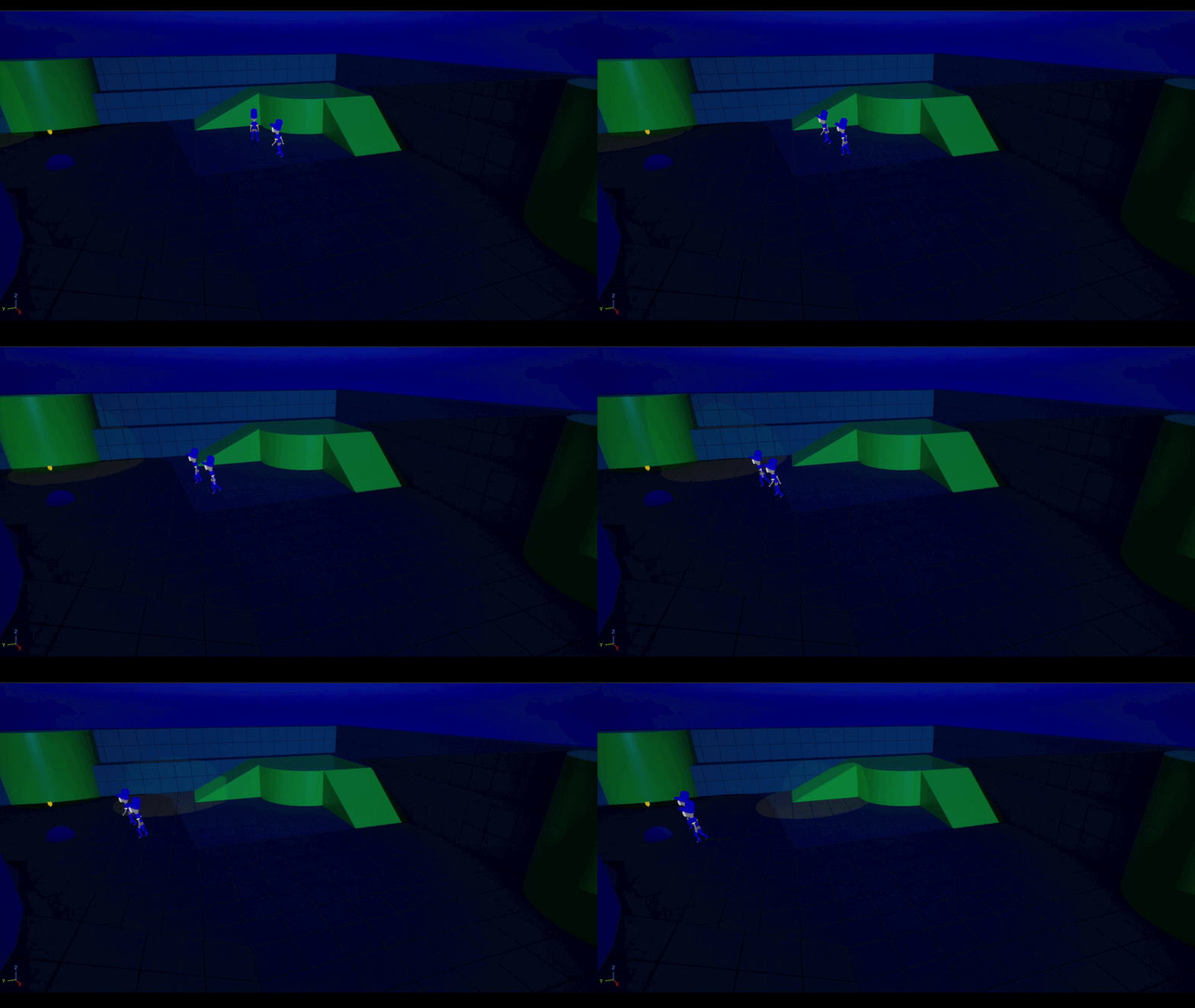
Setup a spline patrol route for the light to follow
-
Create sphere collision to detect and track the player after being spotted
-
Create behavior tree tasks to communicate between the watch tower and the guard enemies
From Basics to Complex
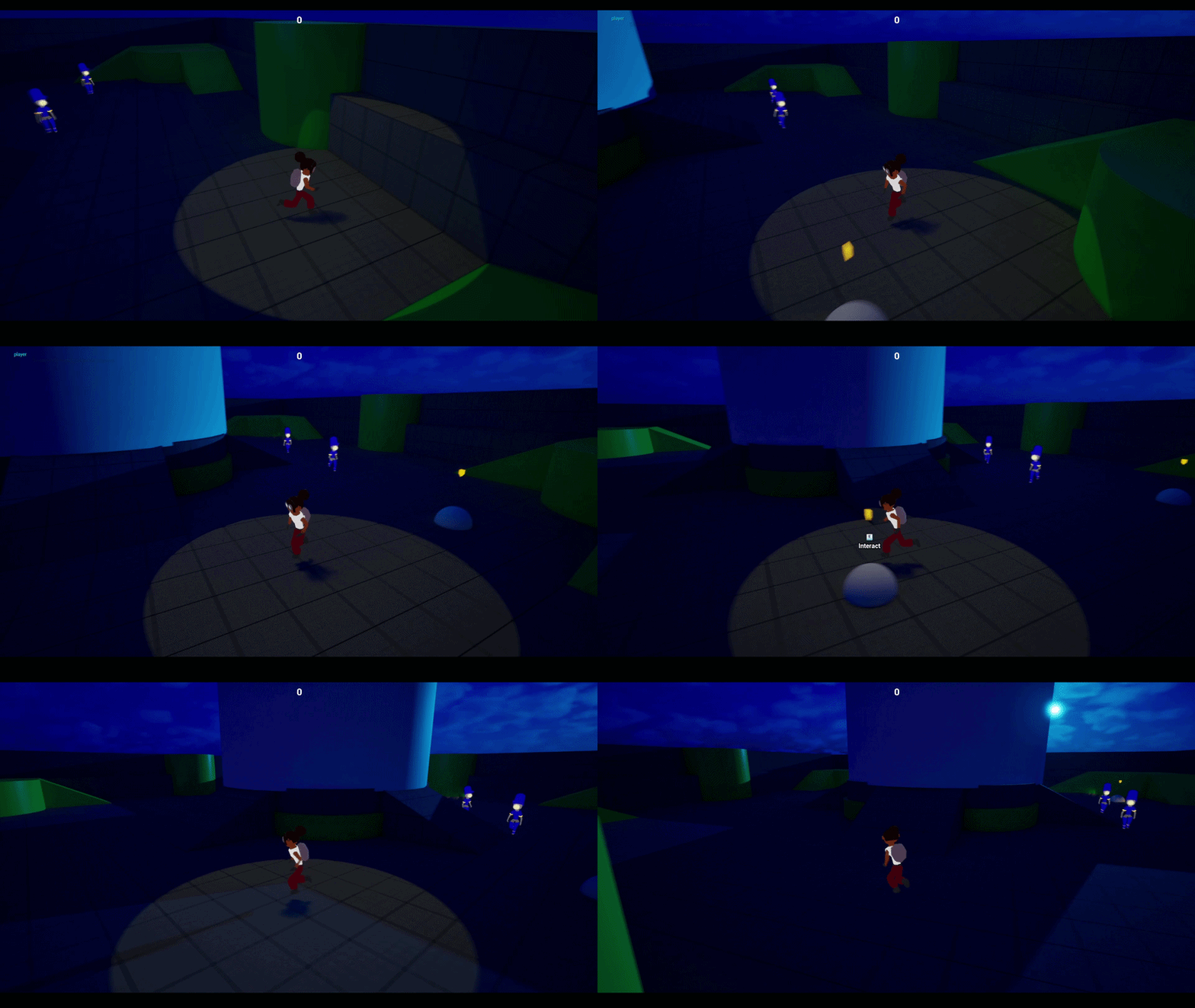
After establishing the base for each enemy AI I wanted to make some of their capabilities more complex in nature. Looking deeper into some of the things I could use I stumbled upon Unreal Engine's Environment Query System(EQS) and how it can be utilized. This provided me with the perfect opportunity to build more realistic behavior for the guard enemies.
So I created an EQS for the enemies anytime they lost the player after having already spotted them, having to search in the surrounding area for where they could be before returning to their regular patrol route.
Lessons from My Mentor
After presenting to Eric Seaman, he interviewed me on the intricate parts of the project and opened my eyes to things I never thought about before, opening my eyes to the many ways I could improve the project or go about designing the system itself in the future. After giving me some advice on the specific project he gave me some overall advice for how i should treat this series of projects in the future. Here's some of the advice he gave me for this project:
-
Focus more on building one singular incredibly polished PIECE of the entire system
-
Be realistic about what can be accomplished in a months time
-
Continue to explore and build your knowledge of parts of each system you didn't previously have experience with
Takeaways
This first project has helped me in a lot of ways as I continue to develop my skills as a designer. It has also helped set an expectation for how I should be going about each of these month-long projects and how I can excel and create projects that teach me more about different subsections of design but also train my knowledge of all that comes with being a designer in the first place. I'm proud of what I've been able to accomplish and can't wait to start the next project!
bottom of page